
F-LINK SOFTWARE UPDATE: New version 3.0.5
Content
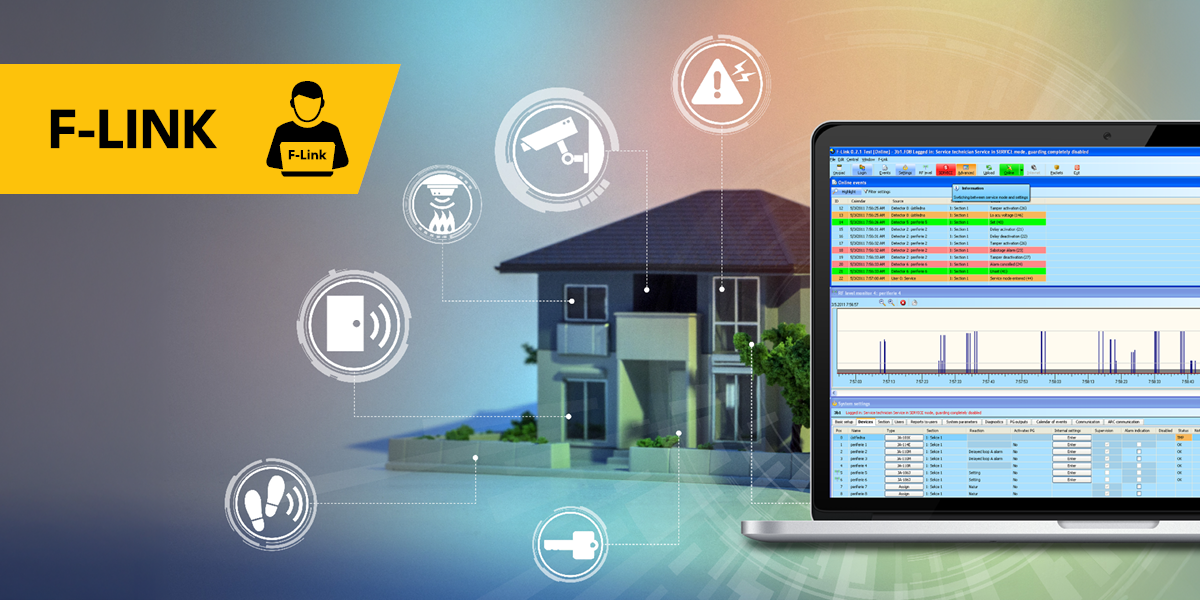
Secured database and safer updates for asynchronous peripherals
F-Link 3.0.5 brings a major security upgrade for .fdb files and a new safety dialog before JA-155M firmware updates. Five targeted stability fixes complete the release.
What's new?
Database security
Enhanced .fdb file security. Files now require password protection - the combination of encryption and a password significantly improves the security of the entire file. More information is available at this link.
JA-155M firmware update
Before starting a JA-155M firmware update, a mandatory blocking dialog prompts you to replace the battery. A weak battery can cause the device to get stuck in BOOT mode — the dialog makes this clear and gives the option to skip that peripheral or cancel the entire update. A "Remember for other peripherals" option is available for batch updates.
What's fixed?
Various fixes:
- Ventilation via JB-112TH/JB-112TP ignored the assigned PG – fixed.
- Repeated language reinstallation on every USB connection to JA-103K – fixed.
- Parameters tab turned blue after connecting to JA-106K with no visible changes – fixed.
- Caption printing from within the keypad dialog: generic error replaced with a clear printer-related message.
- Formatting a foreign SD card always showed an error even when formatting succeeded – fixed.