
The MyCOMPANY update you have been waiting for: easy management and a battery overview right on your phone
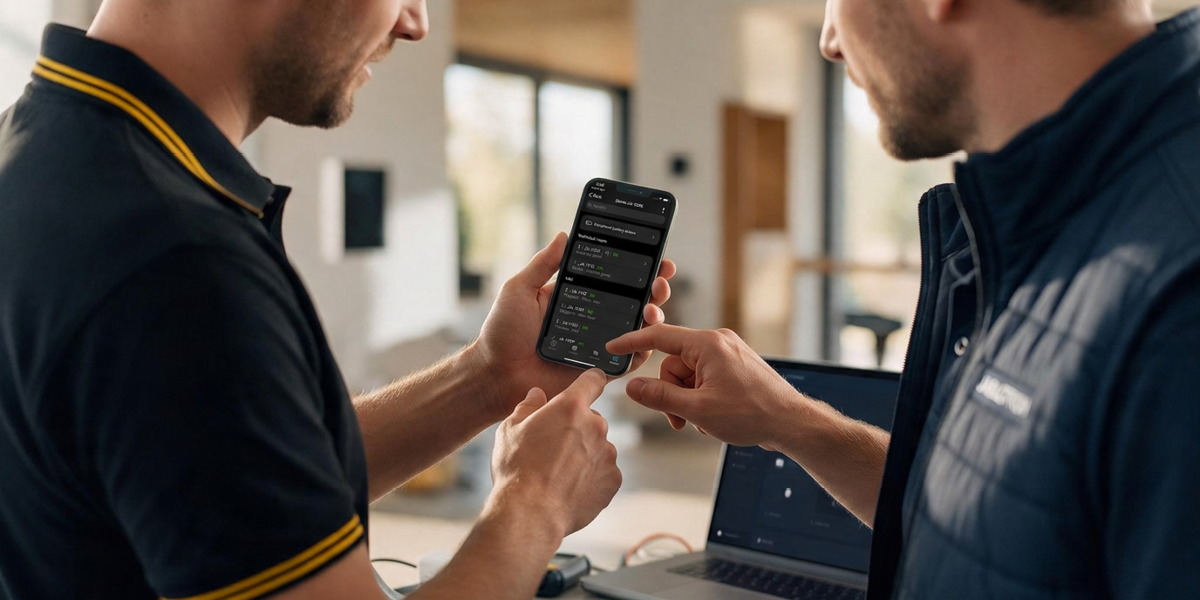
With MyCOMPANY, you can now edit users, check peripherals and prepare batteries for a service visit on JABLOTRON 100+ control units. All on your phone.
The user and peripheral management you know from MERCURY control units now also works on the JA-103K, JA-107K and JA-108K.
The employee has left, the code is still there
A customer calls to say that an employee has left the company and their access needs to be blocked. Another one has forgotten their code.
After verifying with the Service code, you can handle it on your phone, on site or remotely: change the user’s name, phone number or access code, and block or re-enable their access. In the detail view, you can also see their permissions and whether they have an access card set up.
So you no longer need to plan a site visit or open F-Link just to change a code.
Tell the customer: “If someone leaves your company or forgets their code, give me a call. I will block their access or change the code remotely.”
See the status of each peripheral by its colour
Before you set off to a customer because of a fault, you want to know which peripheral is reporting it and what is wrong with it.
The new peripheral management shows the status of each one in text and colour, and for battery-powered peripherals also the number and type of batteries. If the customer wants to rename a device, you change the name directly in the detail view. The settings for thermostats, thermometers and controlled PG outputs have a new look.
Tell the customer: “During servicing, I can see the status of every detector straight away. If you start using a room differently, I will rename the detector in the system to match.”
Batteries counted before you set off
Planning a service visit and need to know which batteries and how many to take with you?
You can now export the list of batteries in the installation in two taps: type, total number and number to replace. Email the table straight into your order without retyping anything, or save it on your phone.
Tell the customer: “I will replace your batteries in one go during the service visit. I know in advance which ones are needed and how many to bring.”
Good to know
- You access user and peripheral management with the Service code; the Master code is not enough.
- Coming soon: adding and removing users and editing permissions; support for the JA-100K, JA-101K and JA-106K control units.
- Applies to MyCOMPANY 2.16.0 and later, on iOS and Android.
You manage users, peripherals and batteries on the phone you have with you on every job.