Authorization to the JABLOTRON 100+ alarm using the iLOQ digital key
Content
iLOQ DIGITAL KEY
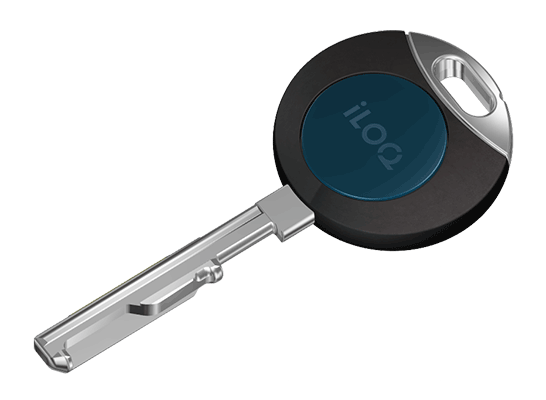
Tool for an easy authorisation to the JABLOTRON 100+ alarm system.
USECASE
The JABLOTRON 100+ system allows the use of MIFARE® chipsM* for user authorization. This application recommendation works with the digital key of the proven Finnish manufacturer iLOQ.
The settings below will allow the user to lock and unlock the entrance door and arm and disarm the alarm with only one key.
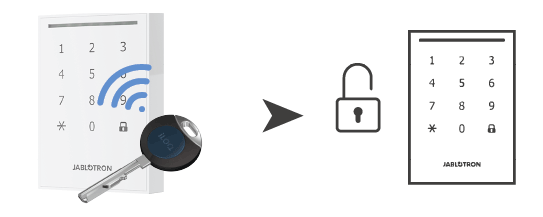
1. Unset
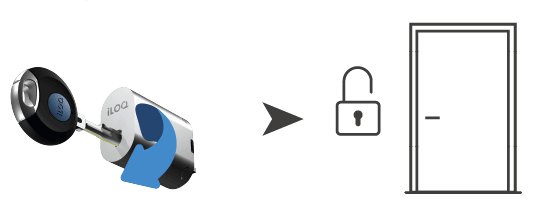
2. Unlock
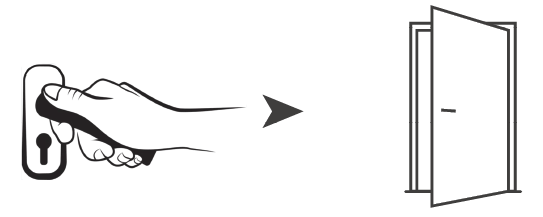
3. Open
* MIFARE CLASSIC® or MIFARE® DESFire® UID
REQUIREMENTS
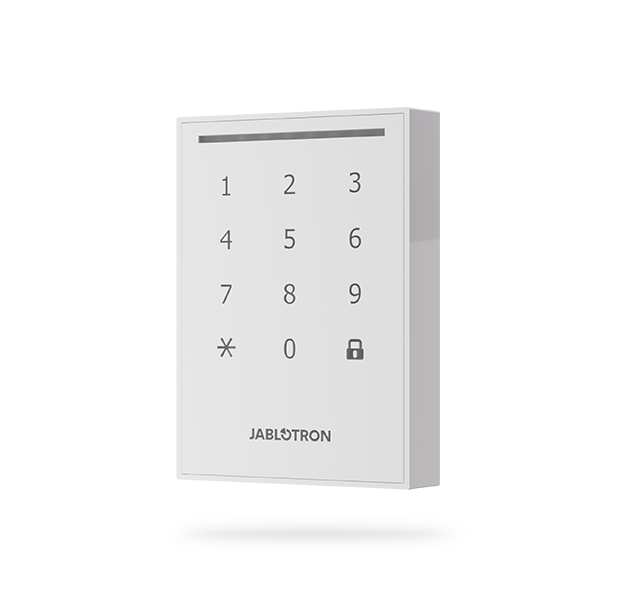
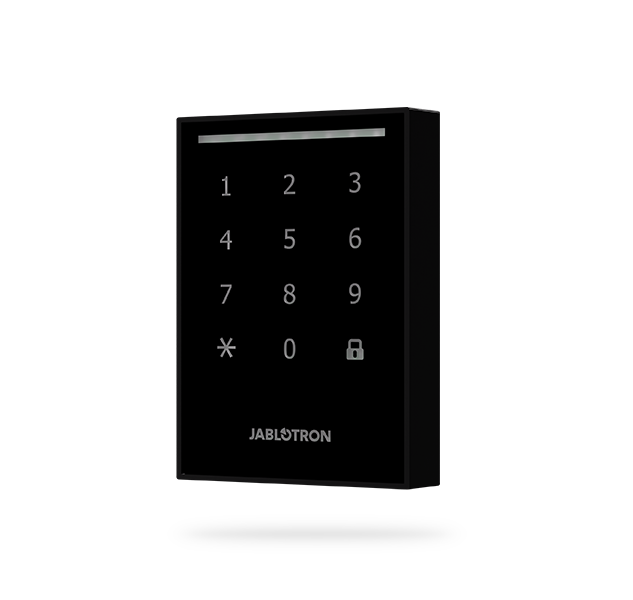
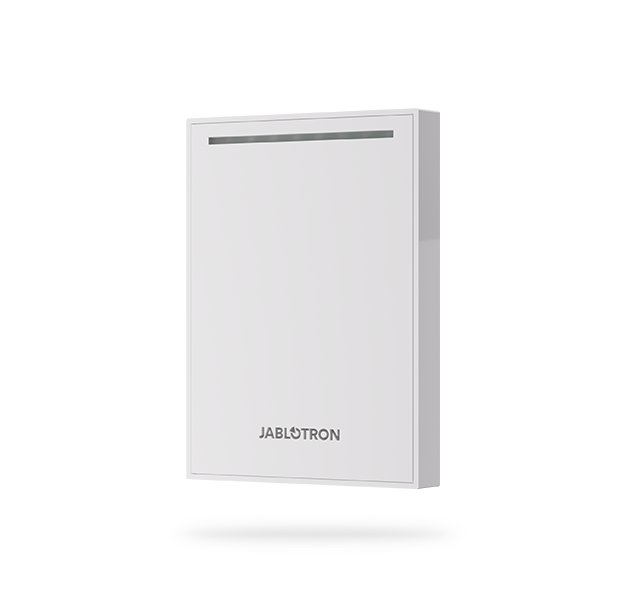
To use the MIFARE® authorization option, it is necessary to use the JA-120E / JA-121E outdoor keypad in the system.
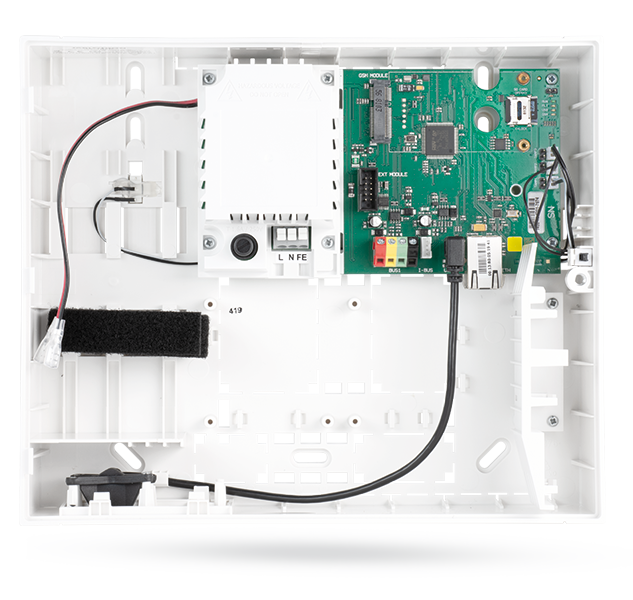
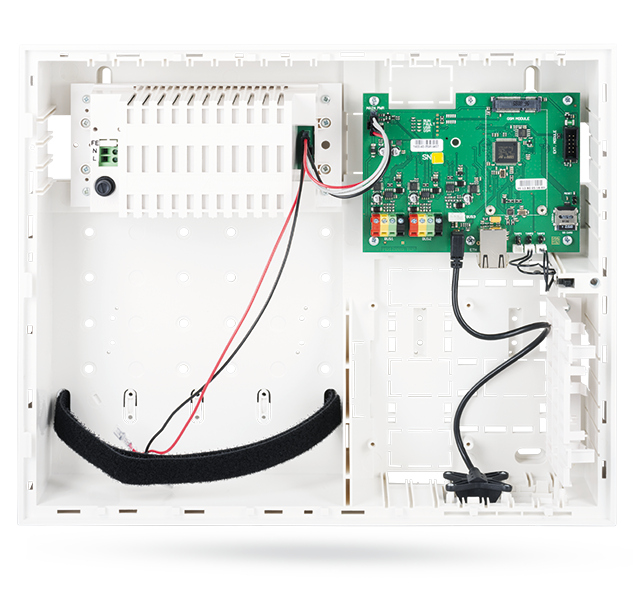
Control panel
Keypad
SETUP
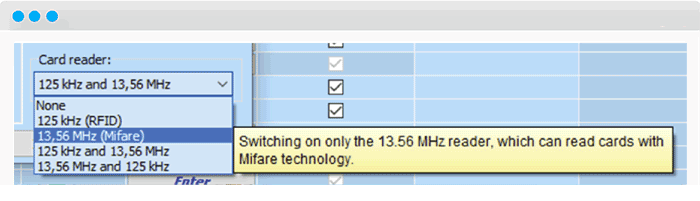
- Enable mifare technolgy
After connecting it to the bus and enrolling it in the „Devices“ tab, it is necessary to check in the internal settings of the keypad that the use of MIFARE® technology is enabled for authorization (either alone or in combination with RFID technology).
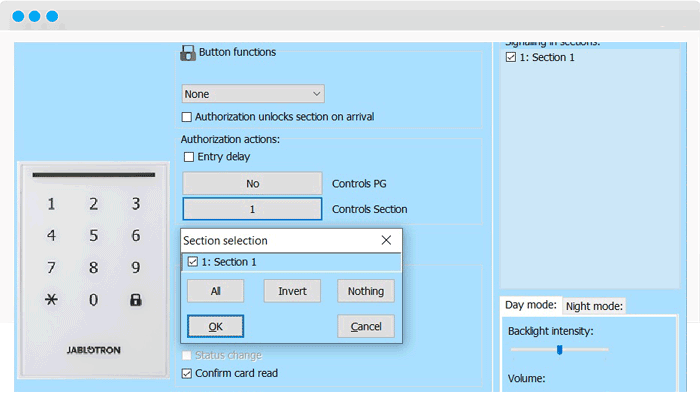
- Set action
The next step is to define the action to be performed. For authorisation actions, set the Control section and select the appropriate section.
- Assign the key to user
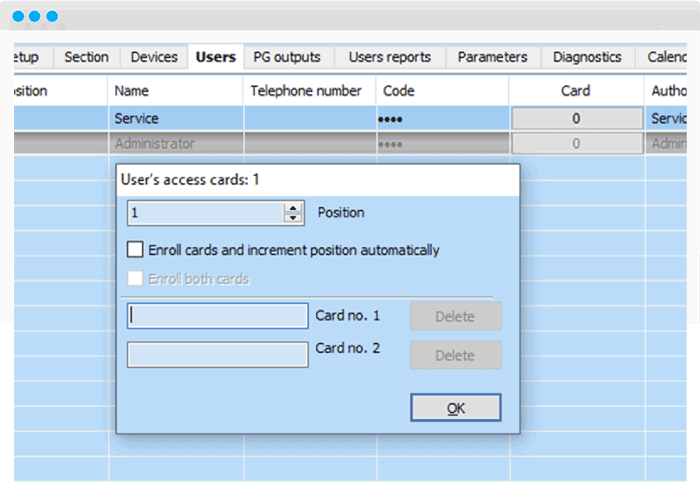
Then, in the „Users“ tab, in the Card column, select the user to whom you want to assign the key. The Enrolment dialogue opens. After clicking in the „Card No. 1“ window, the cursor will start flashing and the system is ready to learn the card.
Then place the iLOQ key near the JABLOTRON logo on the JA-120E / JA-121E. The key is automatically enrolled and its ID is displayed in the window.
A maximum of 2 keys (cards) can be assigned to one user.