
Asynchronous communication
Content
What is asynchronous communication?
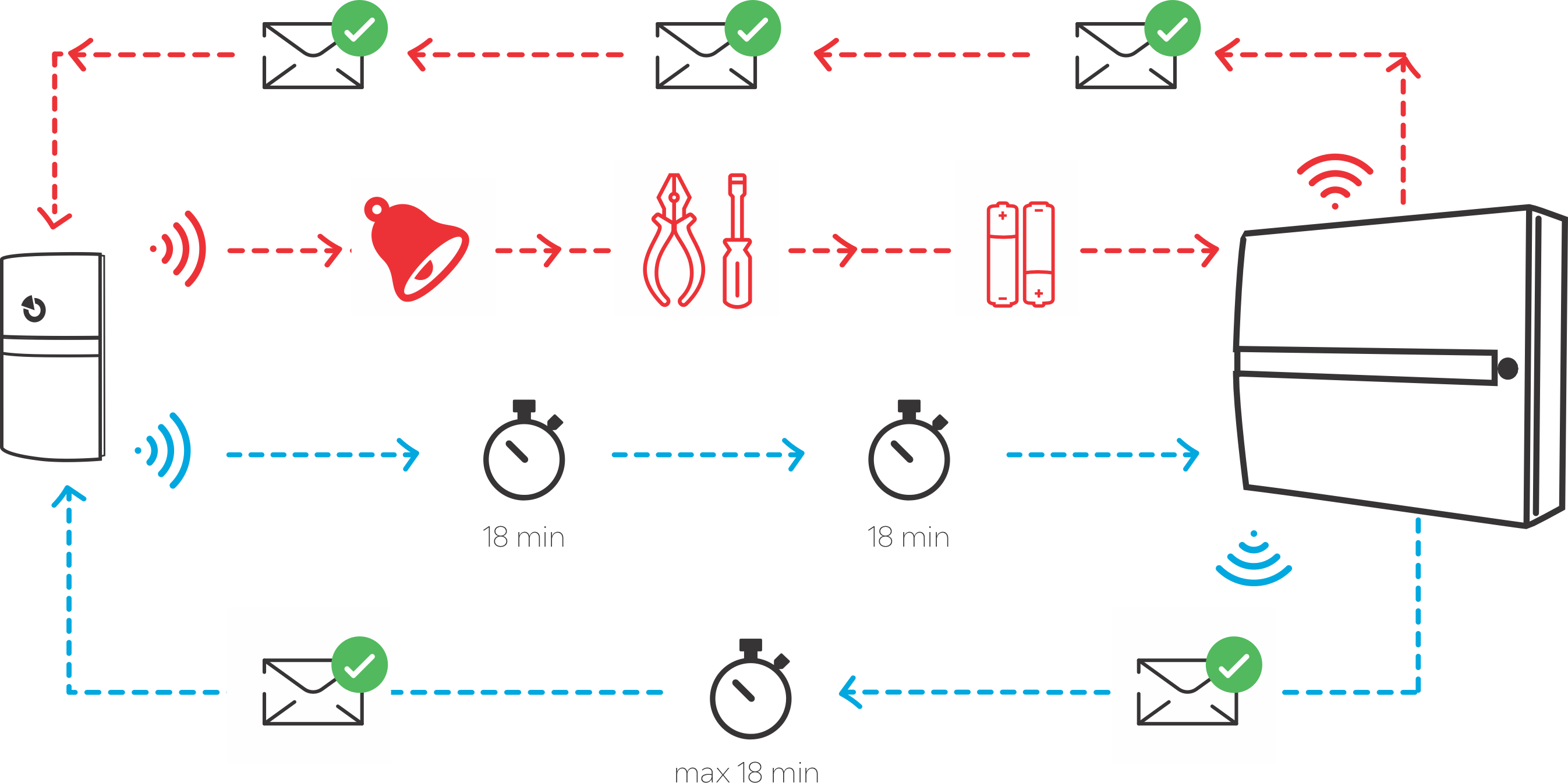
A type of wireless, partially bidirectional communication between a peripheral device and the system control panel. Asynchronous communication is a compromise between unidirectional and fully bidirectional communication, designed to achieve long battery life, reliable transmission and convenient peripheral device configuration.
How does asynchronous communication work?
Compared to one-way communication:
- The signal from the peripheral device is confirmed by the control panel; if the attempt is unsuccessful, the peripheral device immediately repeats the transmission, thereby increasing the reliability of the transmission.
- The control panel's response also allows a new configuration to be sent to the peripheral device. This makes it possible to completely configure asynchronous peripheral devices from F-Link, even remotely. There is no need for configuration using DIP switches or jumpers on the PCB, as is the case with unidirectional peripheral devices.
- For asynchronous peripherals, firmware updates are possible from F-Link.
Compared to fully bidirectional (synchronous) communication:
- Communication in the control panel > peripheral direction only occurs in response to a signal sent by the peripheral. The control panel cannot address the peripheral on its own and send it a new configuration or information about the system status. The peripheral only receives shortly after it has sent a signal.
- This makes it possible to maintain long battery life, as with ordinary unidirectional peripherals.
What are the pitfalls of asynchronous communication?
- Since the peripherals only receive after they have transmitted, it can take longer for information to be transferred from the control panel to the peripherals, in extreme cases up to 18 minutes.
- The peripheral device transmits immediately, whenever the detector is activated, the cover is opened, a fault occurs, etc. Any signal from the peripheral device triggers a response from the control panel, including the possible recording of a new configuration.
- However, if the periphery is in a dormant state without external stimuli, it only transmits a control transmission every 18 minutes. Even in the case of a control transmission, the control panel responds and can send a new configuration.
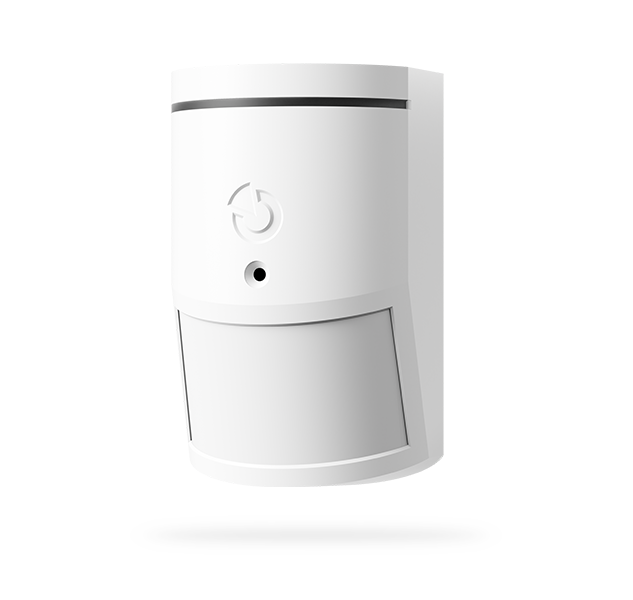
- Asynchronous communication cannot be used for peripherals such as keypads, sirens or photo PIR detectors. These must respond immediately to system events and statuses sent from the control panel, such as alarms or arming. For these peripherals, synchronous communication is used, leading to a "dialogue" between the control panel and the peripherals in a regular short grid.
- Asynchronous communication is not supported by older JA-100K, JA-101K and JA-106K control panels or the older JA-150R signal repeater.
Which peripherals use asynchronous communication?
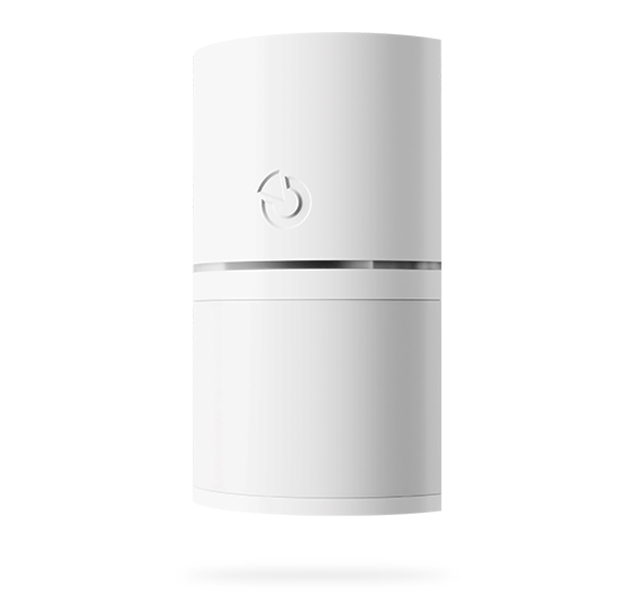
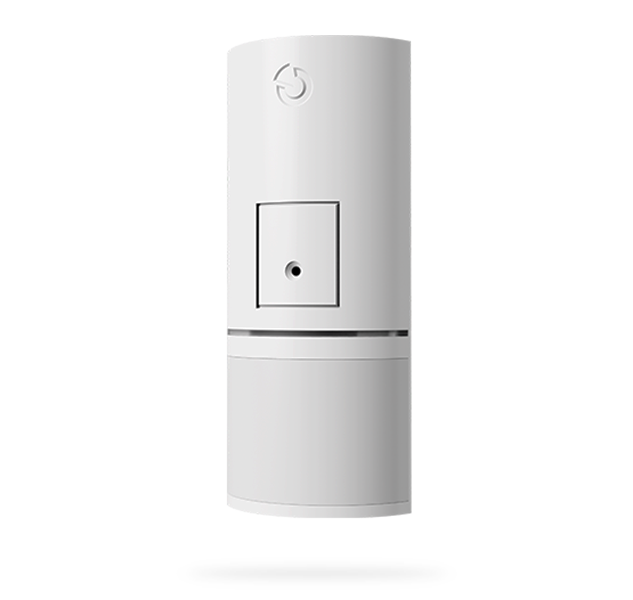
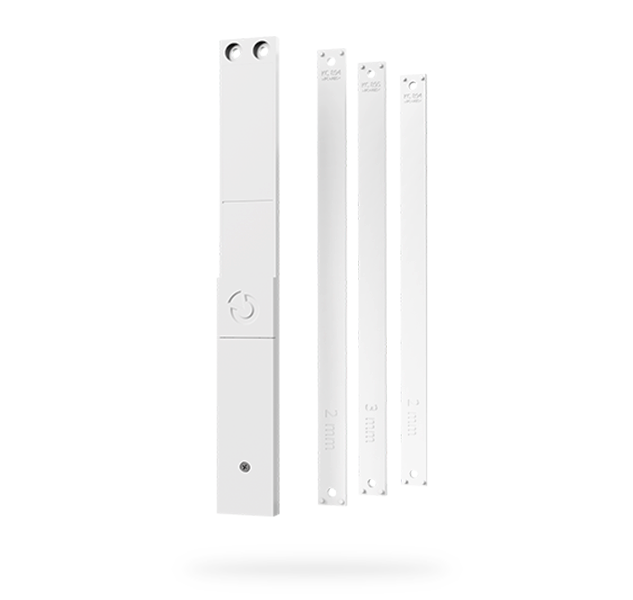
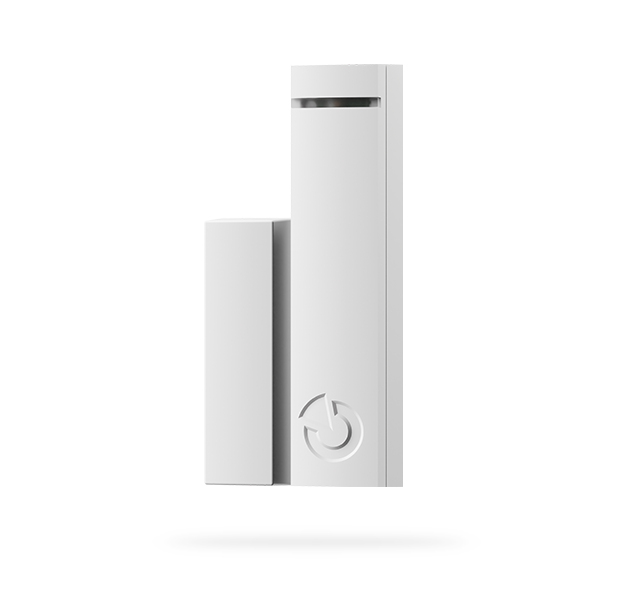
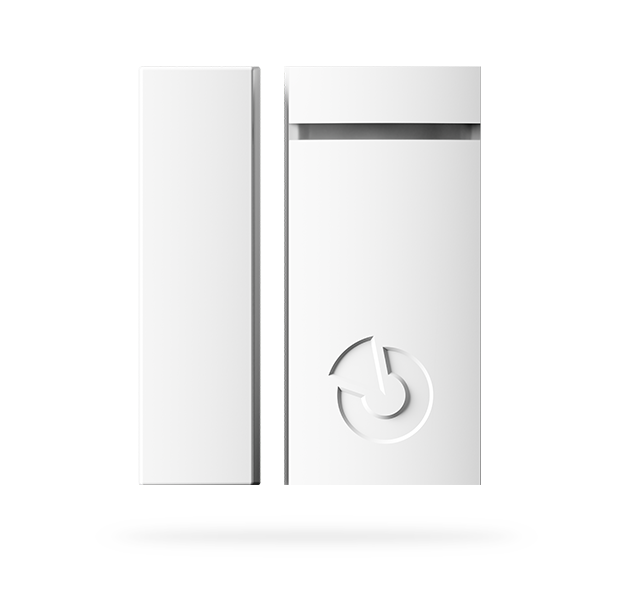
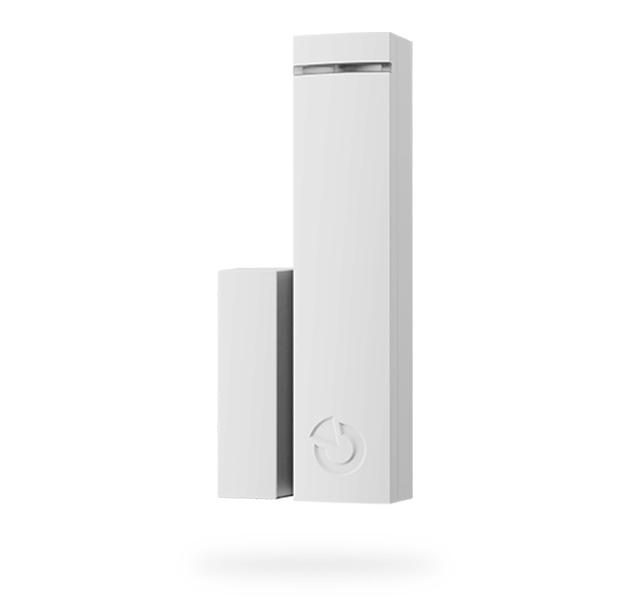
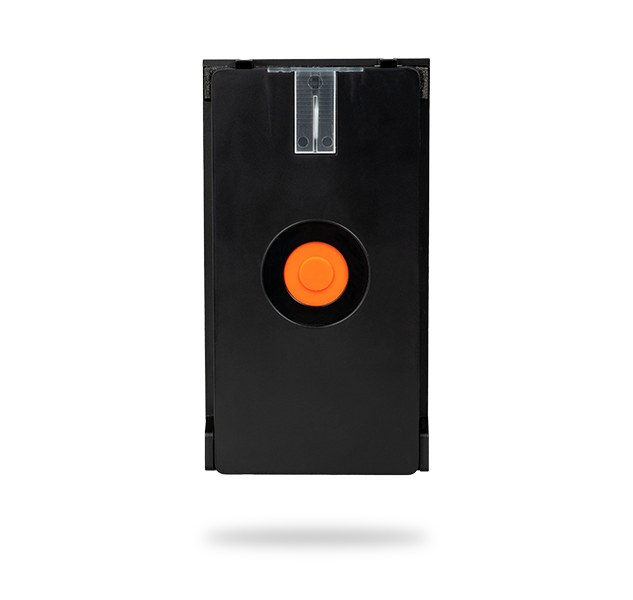
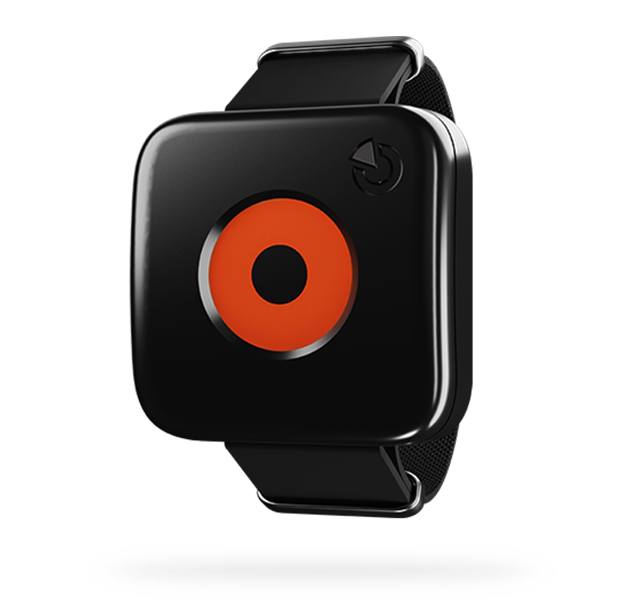
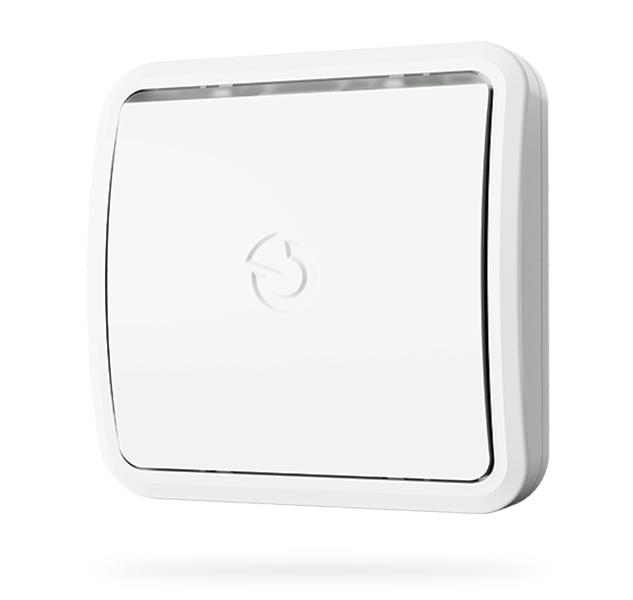
- In very simple terms, all newer basic detectors from the JABLOTRON 100+ / Mercury portfolio that do not need to receive immediate instructions from the control panel. We are gradually switching to asynchronous communication for all previously one-way communicating products that we are gradually innovating.
Motion detectors
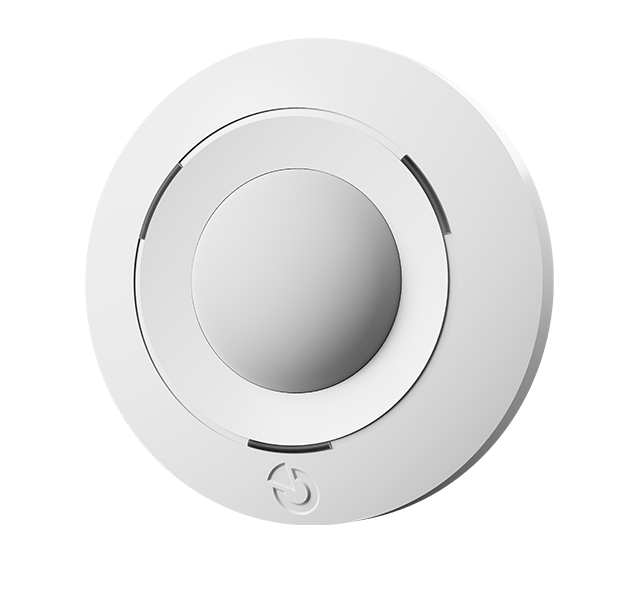
Perimeter protection
Buttons
Flood detector
Practical tips
- The writing of new settings to asynchronous peripherals is monitored by F-Link. While waiting for a signal from the relevant peripheral, the "Enter" button for internal settings is highlighted in red italics. Once communication is established and the new settings are written, the highlighting disappears.
- To speed up the configuration entry, simply activate the peripheral or open its cover. The peripheral will broadcast the activation or tampering, and the new settings will be entered immediately.

- Firmware updates are relatively energy-intensive processes for peripherals, which can consume a significant portion of the battery capacity, especially in miniature detectors, which is otherwise calculated for minimal peripheral operating consumption.
- Only run the update if the battery has at least 50% capacity or more.
- Especially for detectors with a CR2032 battery, we recommend replacing it after the update.
- If there are asynchronous peripherals in the system, F-Link will notify you of this fact before starting the update.

- As with entering new settings, in order to start the update, the peripheral device must first send a signal to the control unit. This can be accelerated by activating the peripheral device or opening its cover.
- F-Link will notify you when updating an asynchronous peripheral device.
